
Free Next Day Delivery (over £30)
7 Days a Week* Terms Apply – Click Here for More Info

Up to 5-Year Guarantee*
Confidence in our design and quality

30-Day Returns
Free returns on main units
Pay-in-3
Shop now, pay later with Klarna
New
Shark Navigator Upright Corded Vacuum NV180UK
- XL capacity for big cleans
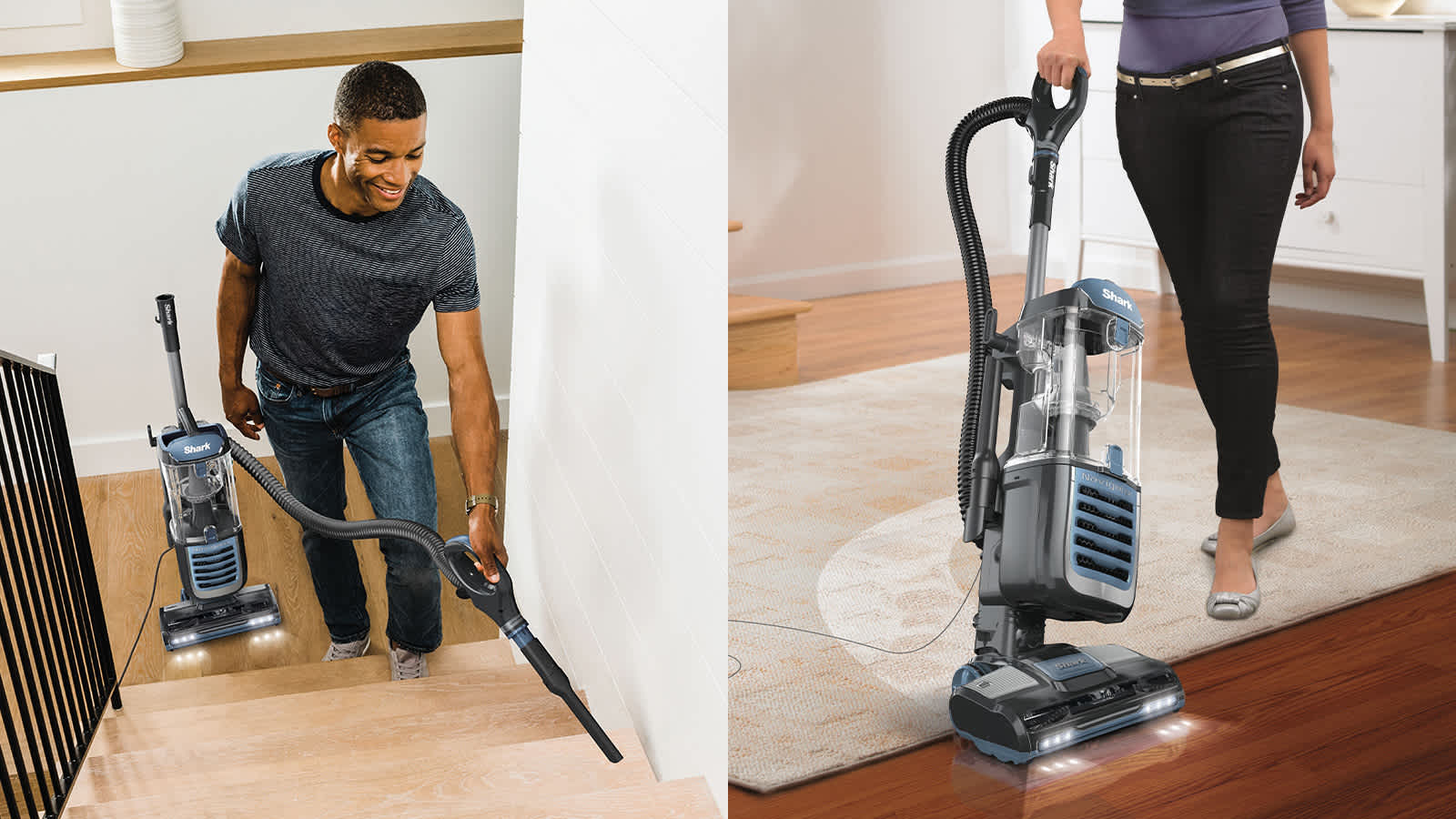
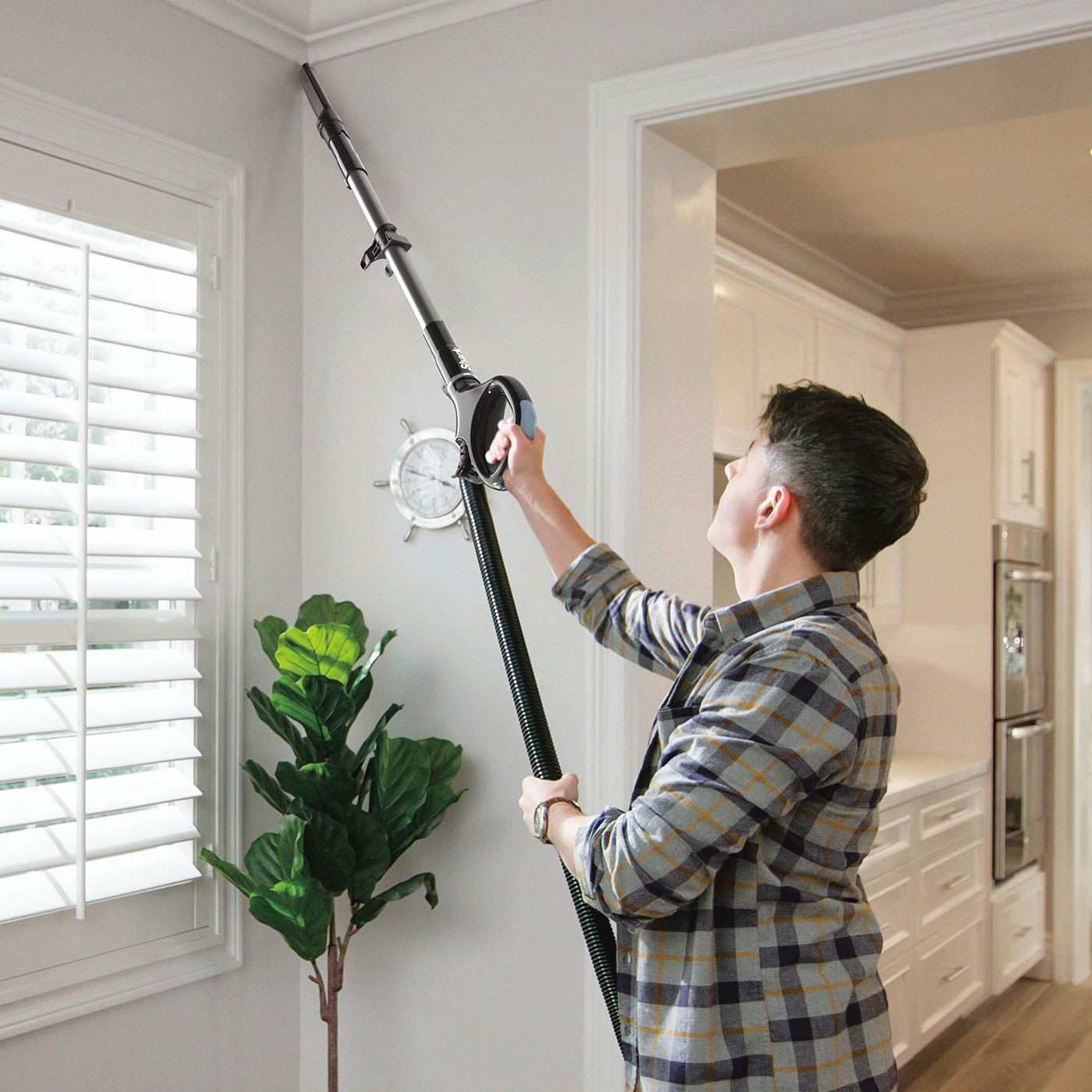
- Extendable hose for easy cleaning above the floor
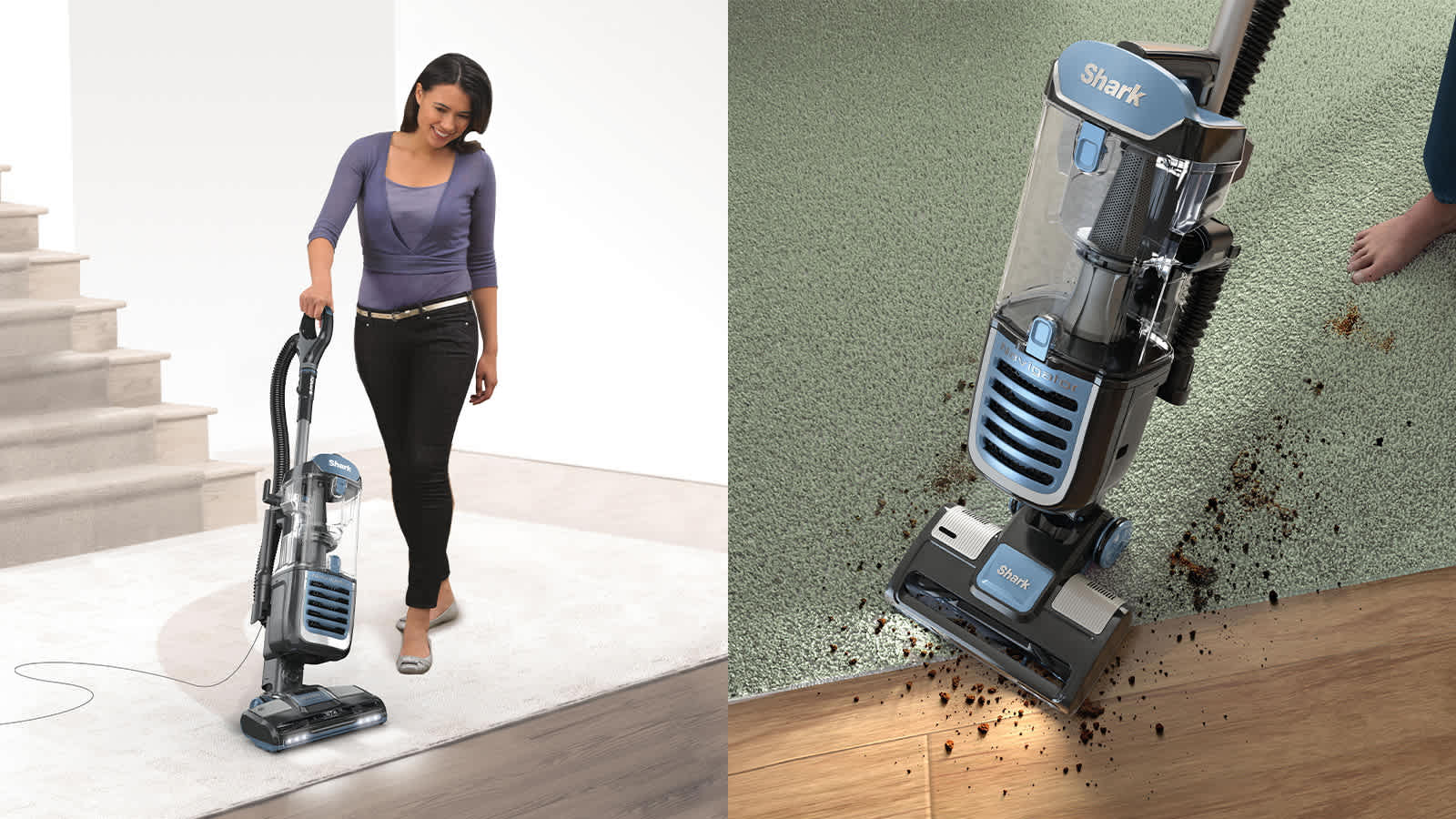
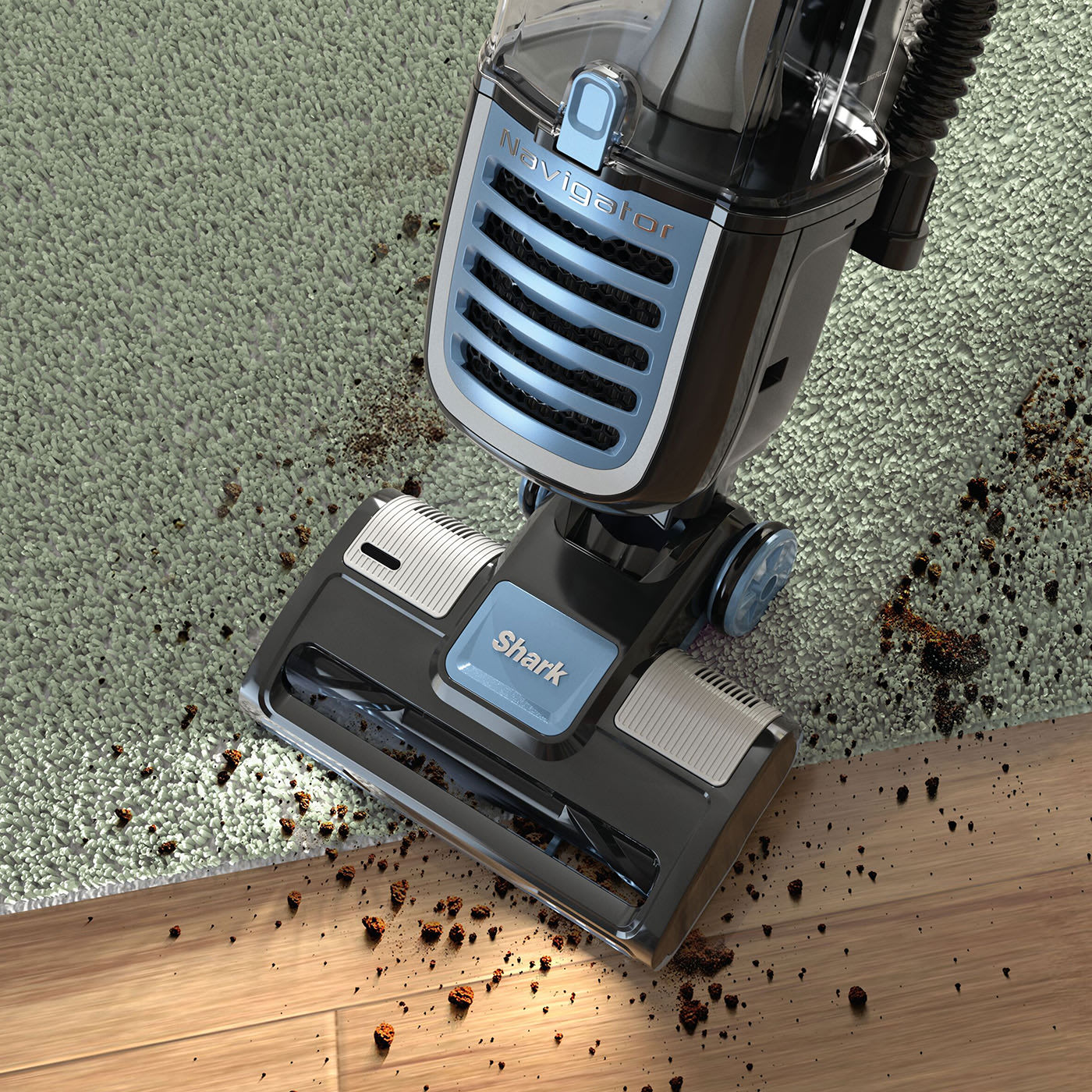
- Swivel steering for easy cleaning across floor types
- 2 power modes
- Includes Crevice Tool
- Anti-Allergen Complete Seal captures 99.9% of dust and allergens*
- 5 year guarantee
*(Based on IEC standard 62885-2 Cl. 5.14 at 0.3 to 10 microns).

Product Details
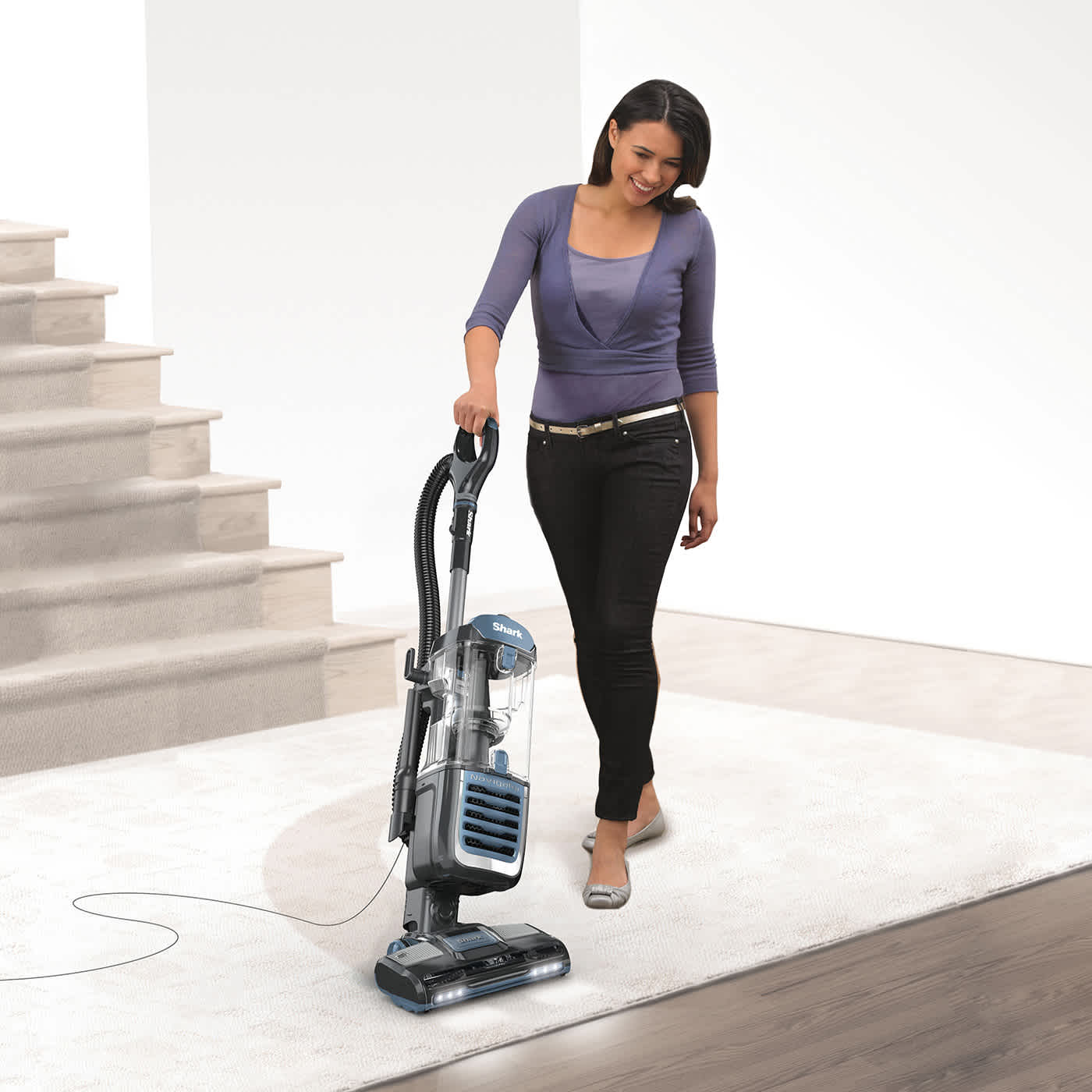
With an XL dust cup, the Shark Navigator is designed for big cleans across floor types - with fewer trips to the bin for emptying.
For cleaning tricky spaces, the stairs and above the floor, use the included crevice tool and extended reach hose to easily remove dust around your home, from skirting boards to up high.
Shark's Anti-Allergen Complete Seal captures and traps 99.9% of dust and allergens inside the vacuum*, ideal for allergy sufferers.
*(Based on IEC standard 62885-2 Cl. 5.14 at 0.3 to 10 microns).
Product Specification
- Colour
- Black/ Blue
- Product Weight
- 6.16kg
- Product Dimensions (cm)
- H: 115.3 cm x W: 28.6 cm x L: 28.2 cm
- Cord Length
- 8m
- Capacity
- 2.2L
- Wattage
- 700W
- Guarantee
- 5 Years
What's Included
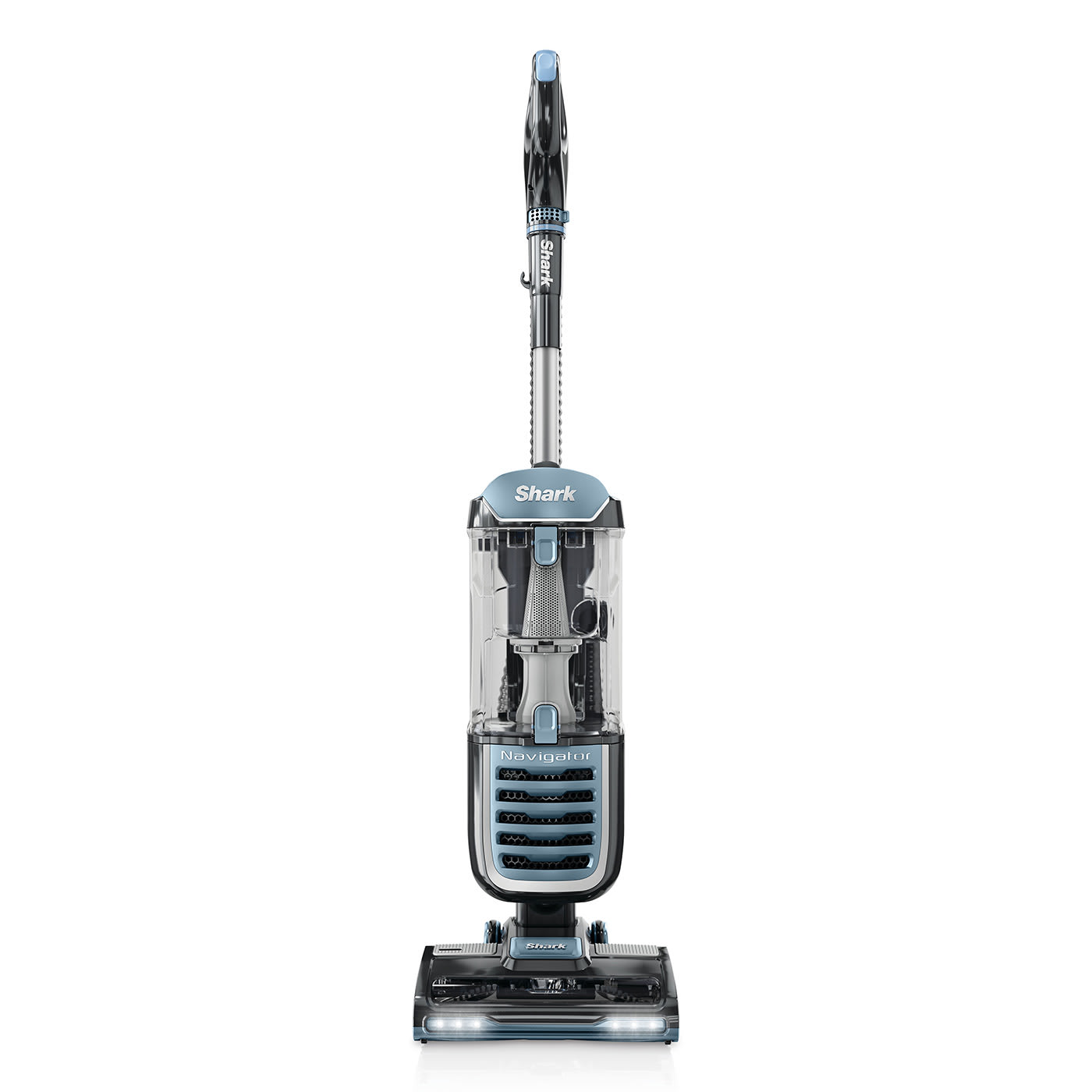
- 1 x Main Unit
- 1 x Crevice Tool
- Instruction Booklet
- Quick Start Guide